HomeHow it works
Getting started with BC Digital Card is simple.
Five steps take you from sign-up to sharing your card and growing your network.
-
1Step 1 of 5
Create your account
Sign up and your BC Digital Card account is ready. One account holds every card you create.
- Sign up and set up your account
- One account for all your cards
- Access it across your devices
-
2Step 2 of 5
Build your digital profile
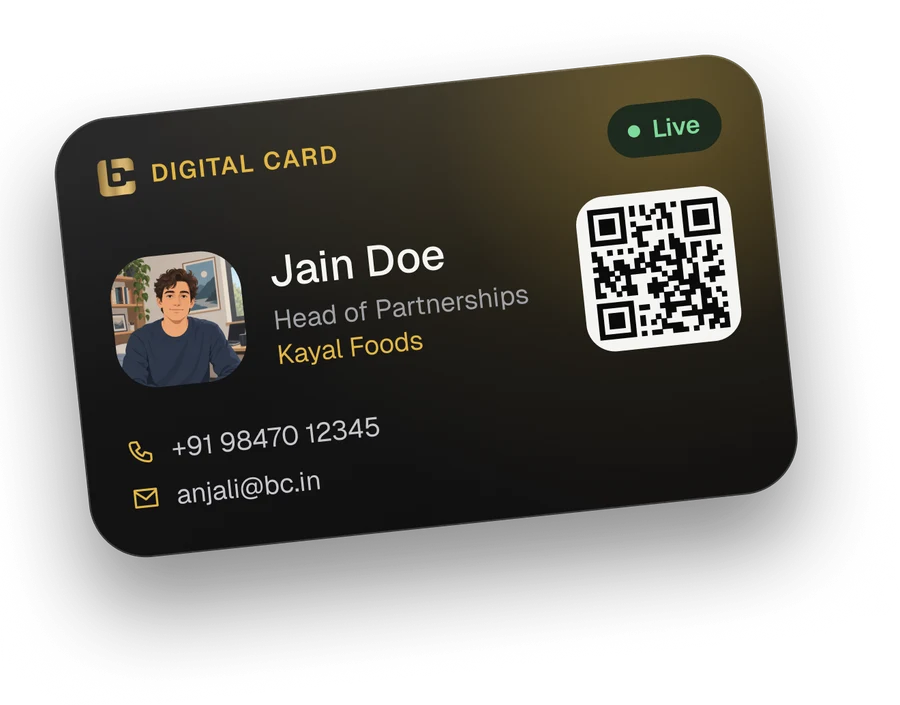
Add your photo, name, job title, company and contact details, then bring in your social profiles and your work.
- Contact details people can save
- Social profiles in one place
- Showcase your products and projects
-
3Step 3 of 5
Customize your digital card
Choose a theme and layout that fits your brand, and preview your card the way others will see it.
- Themes that match your brand
- Layouts for the way you work
- Preview before you share
-
4Step 4 of 5
Share your card
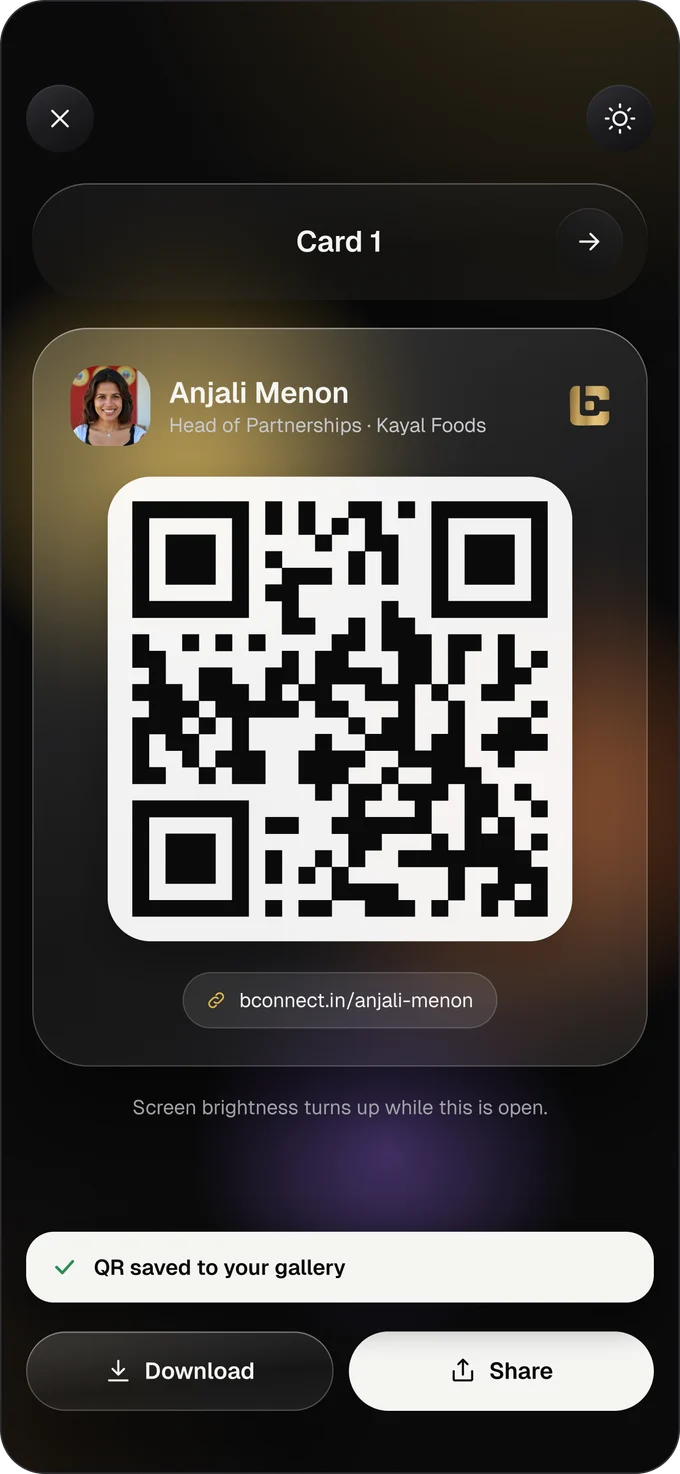
Show your QR code to be scanned, or send your card link in any message, email or social post.
- QR code for face-to-face meetings
- A link you can send anywhere
- Save your QR code to your gallery
-
5Step 5 of 5
Connect and grow
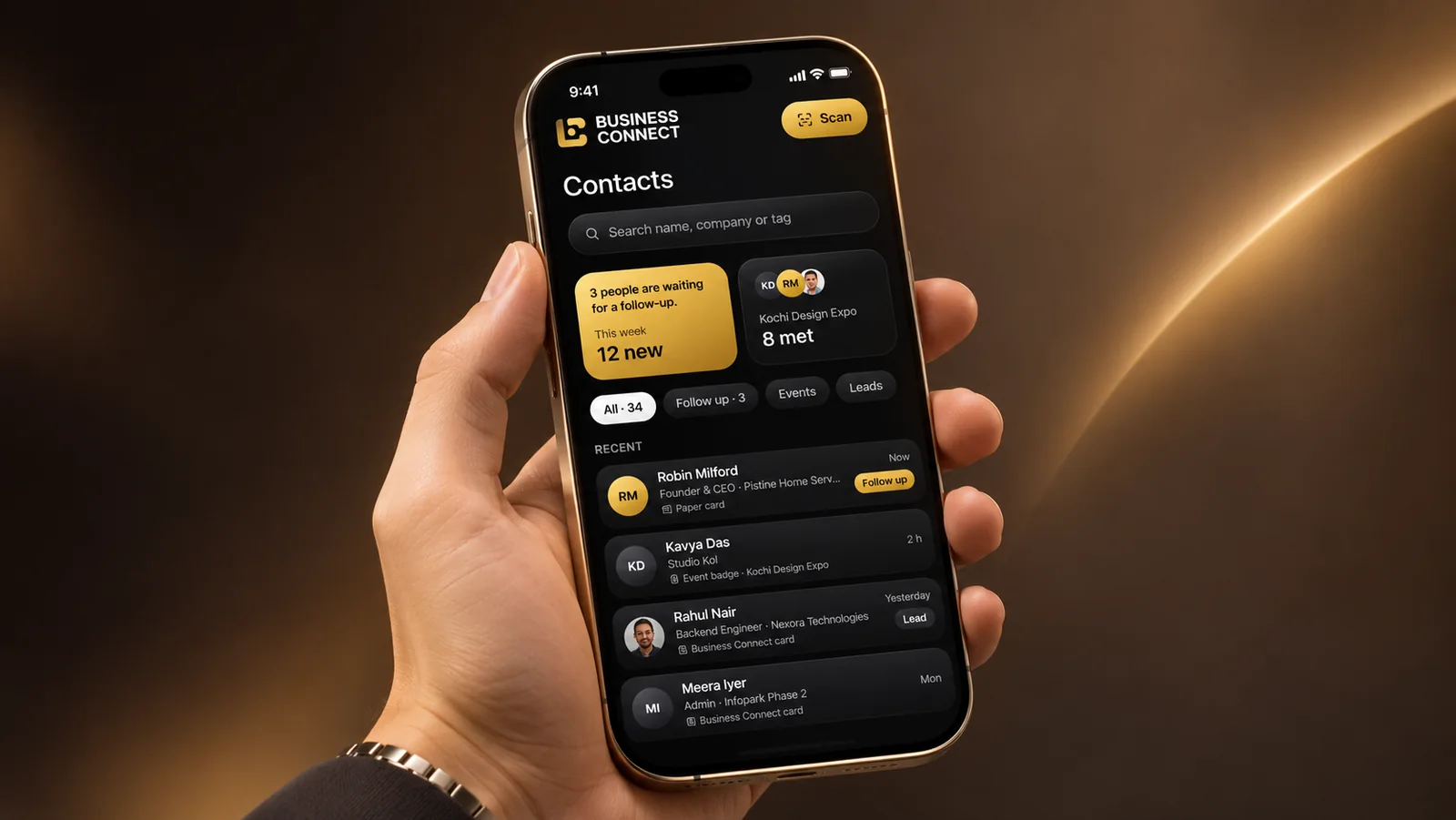
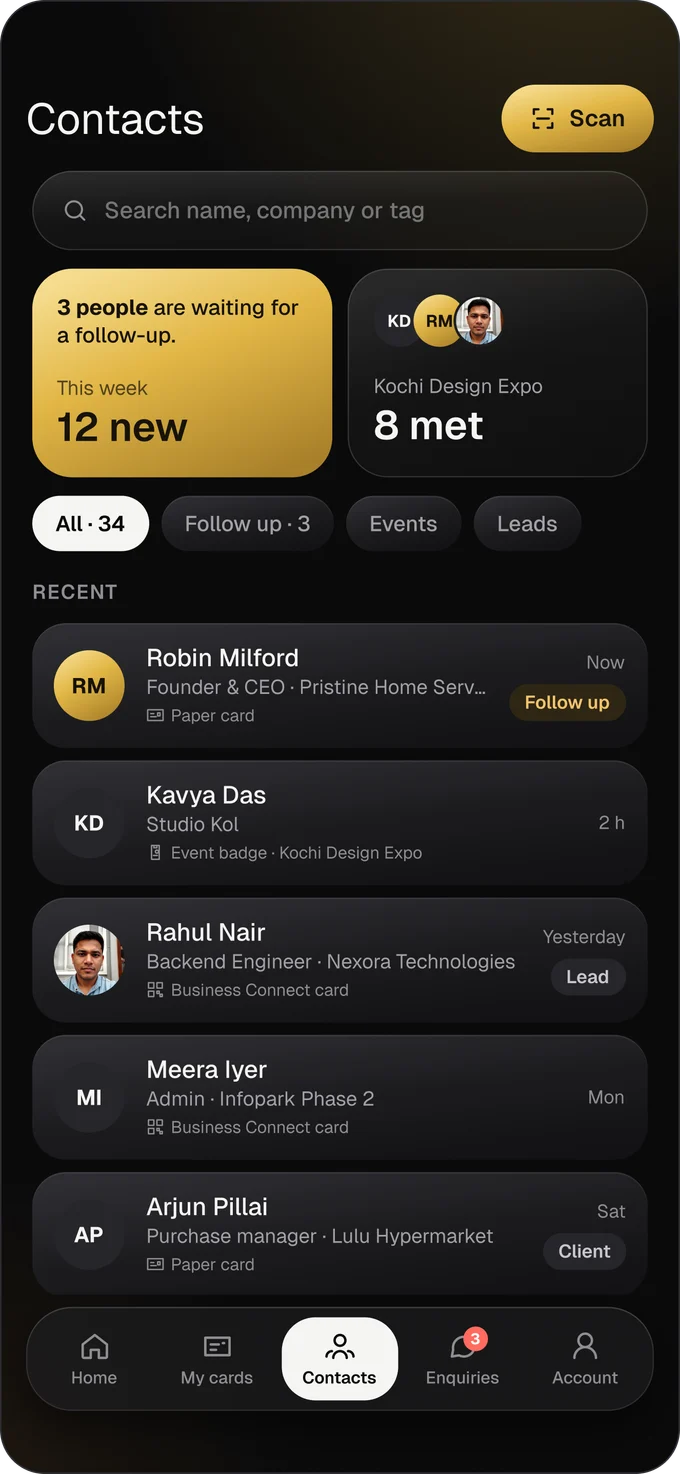
People save your details straight to their phone, and the cards you scan land in your contacts, ready for follow-up.
- Scan paper cards, event badges and QR codes
- Keep contacts organized with tags
- See how your card performs




How do I share my BC Digital Card?
Show your QR code for someone to scan, or send your card link by message, email or social media.
Do the people I share with need an app or an account?
No. Your card opens in their phone browser, and they can save your details from there.
What happens when I edit my profile?
Your changes go live straight away, so everyone who has your card sees your latest details.
Can I save my QR code?
Yes. You can download your QR code to your phone and use it wherever you like.
Can I scan the cards I receive?
Yes. Scan paper business cards, event badges and QR codes, and the details are saved to your contacts.
Can I create more than one card?
Yes. With multi-card support you can keep separate cards for different roles, brands or businesses.
Ready to create your BC Digital Card?
Set up your card, share it in seconds and keep every new contact in one place.